
Skip the manual work behind frustums, camera positioning and perspective. Space Builder turns familiar spatial design workflows into ready-to-use nDisplay configurations.
What else makes Space Builder unique?
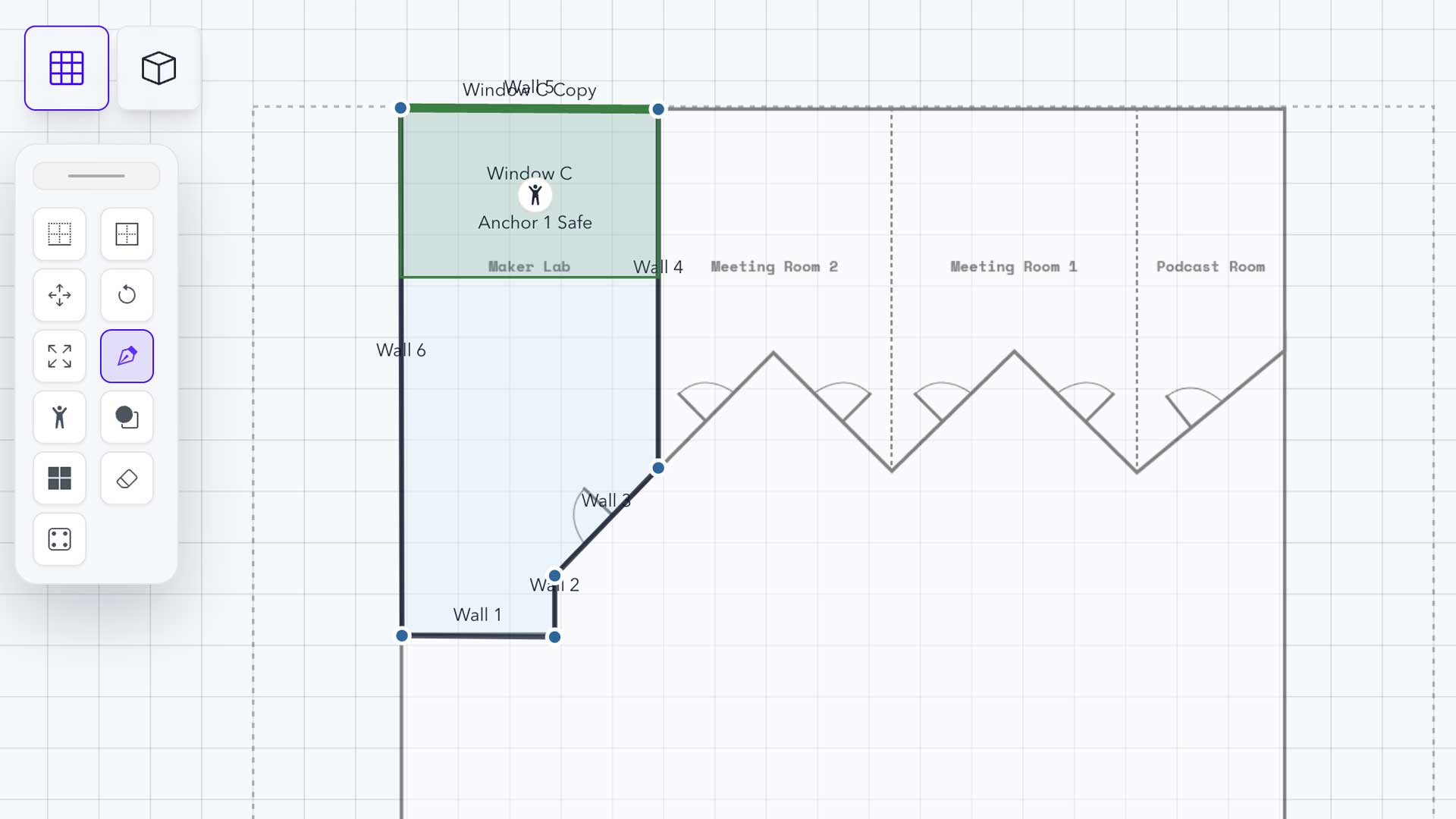
Import files like CAD · PNG · JPG · Drawing Tools to build from, or use drawing tools from pen to shape tools to layout your space, then make numerical corrections for accuracy. Building your space helps create spatial context for the nDisplay cameras to anchor to and understand the scale of the space and perspective of the audience.
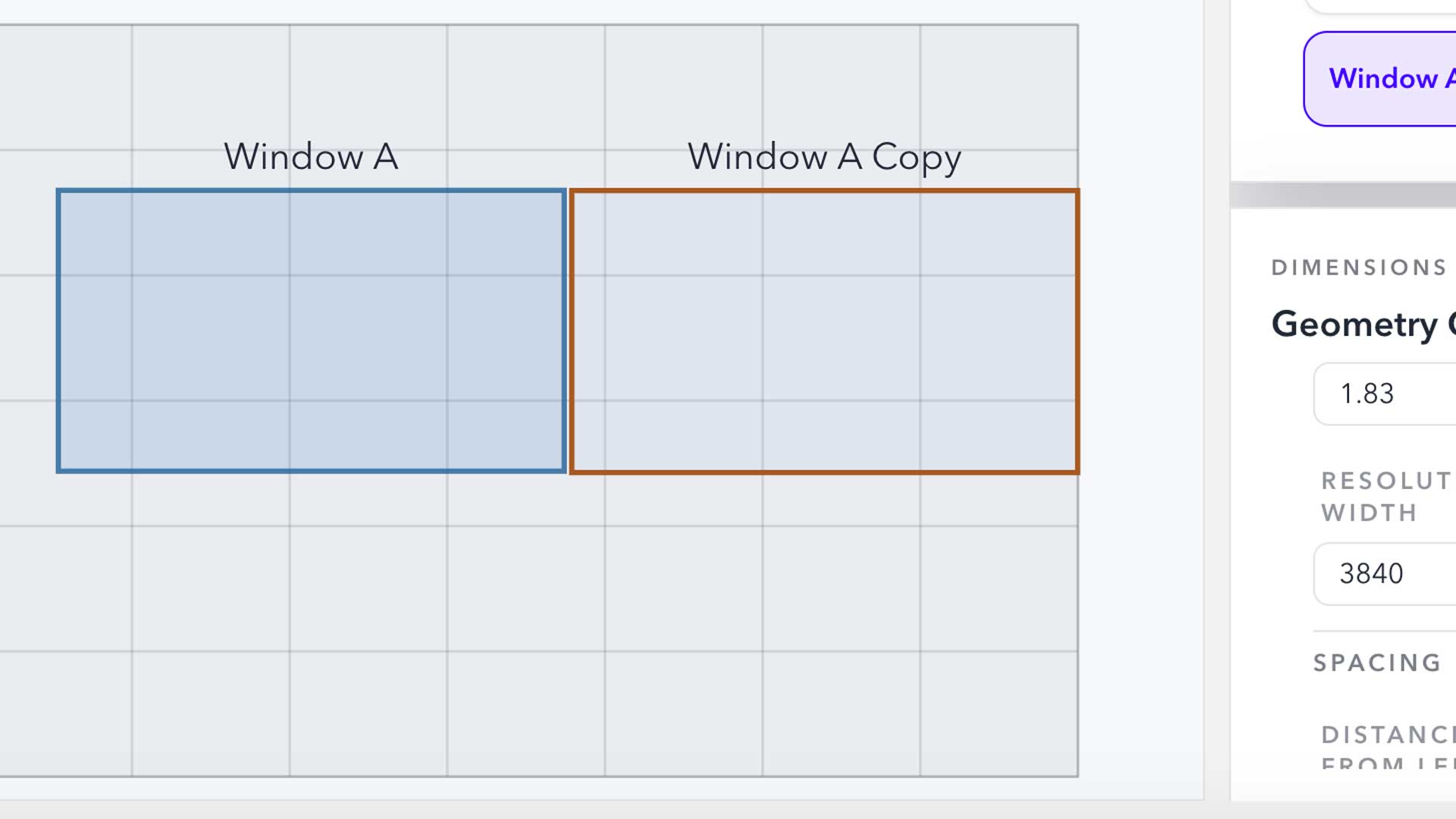
You can add virtual windows in your space, and nDisplay cameras will be automatically generated to match them. They are accurately calibrated for scale, perspective, position, and resolution. By treating your physical environment as a window into immersive content, the need for complex manual camera setups is eliminated. All necessary calculations are done for you.
Virtual Windows: physical display surface represented as a view into the virtual environment.
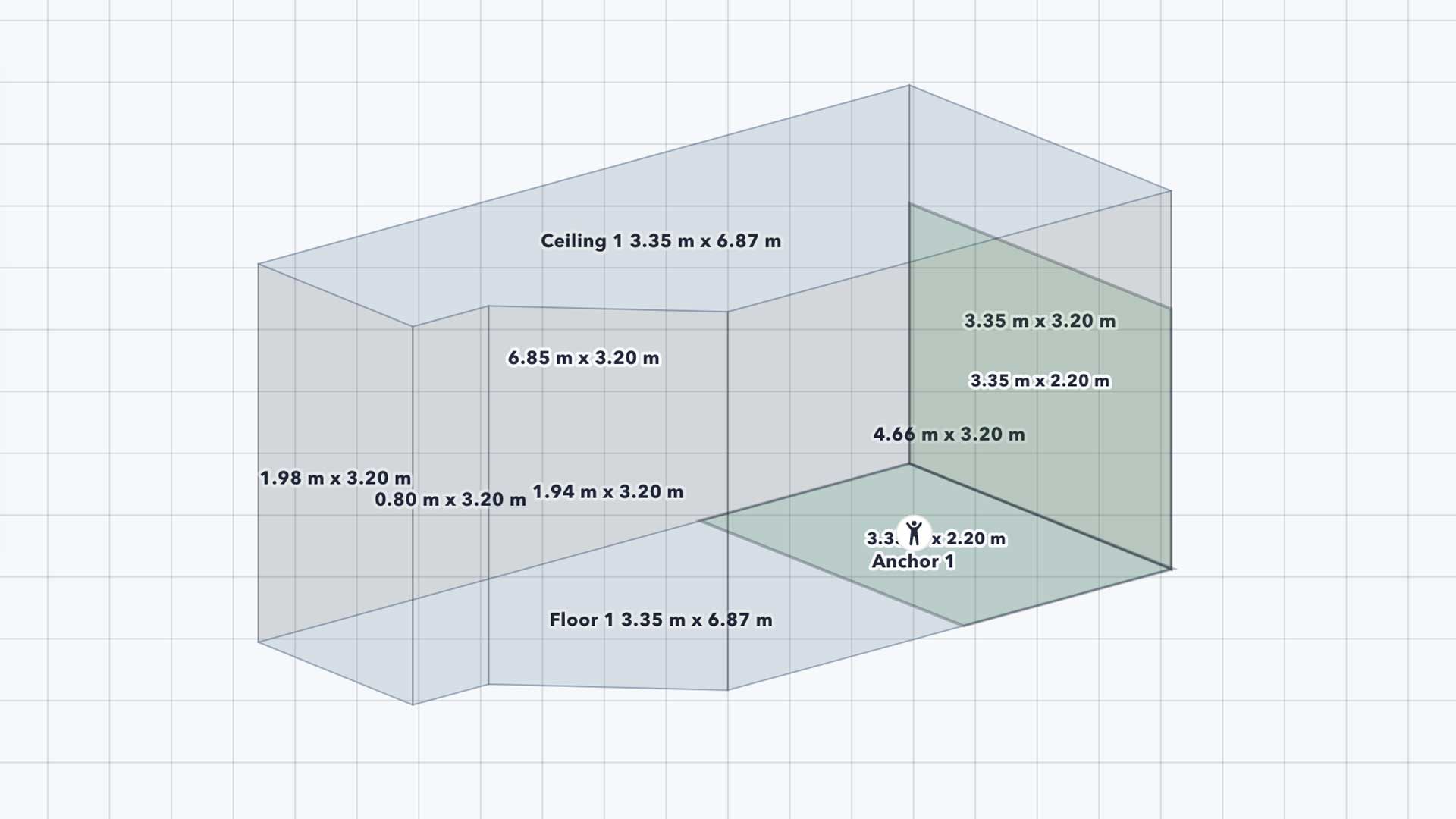
Visualizing your progress has never been easier. Move seamlessly from 2D plans to a 3D perspective or walkthrough. You can quickly visualize your space, share progress, and check for accuracy before deployment.
Save and revisit different stages of your project with Config States. Jump back to earlier explorations, compare variations, and refine your setup without starting over. You can export nDisplay configuration files from any saved state.
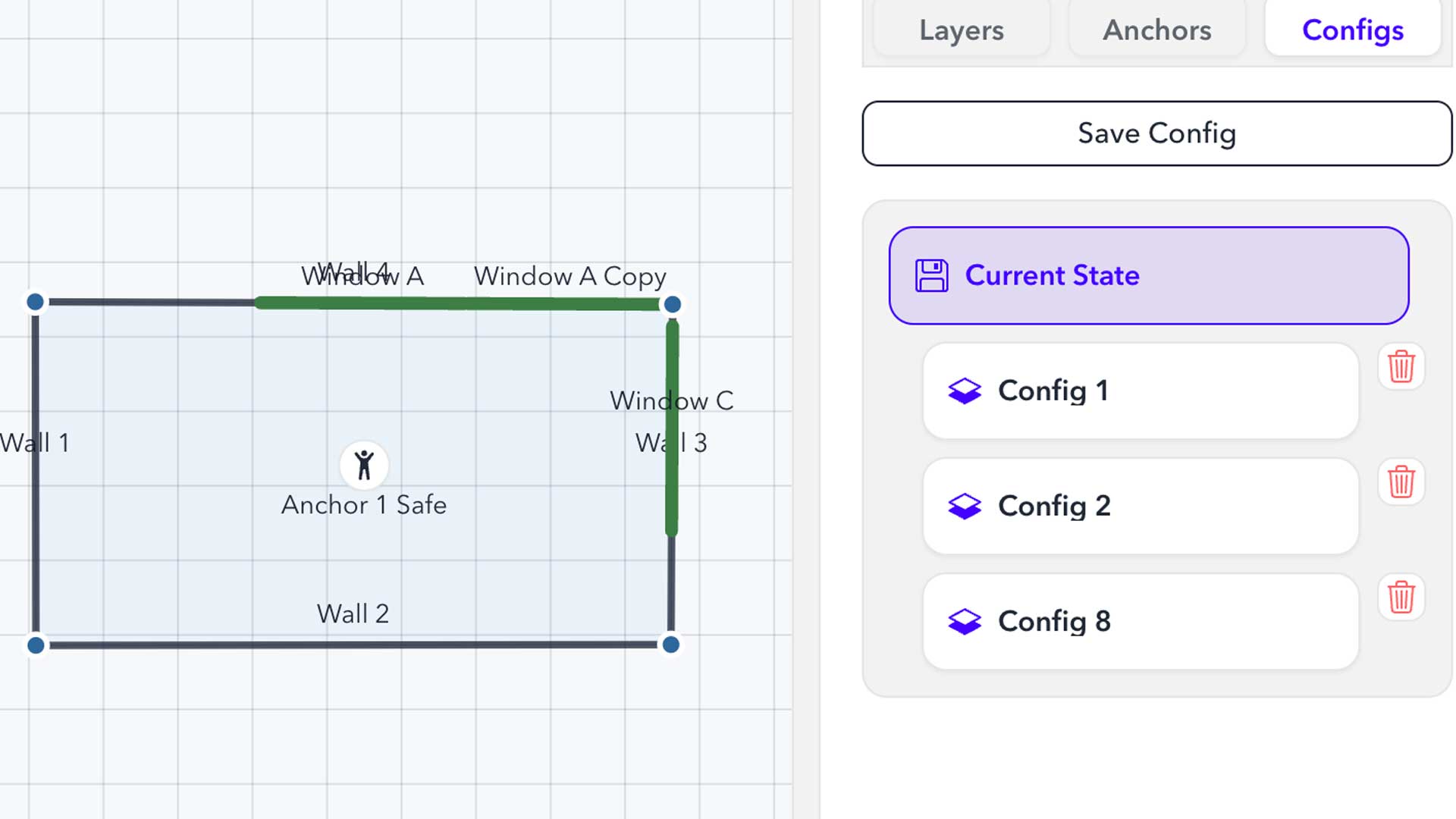
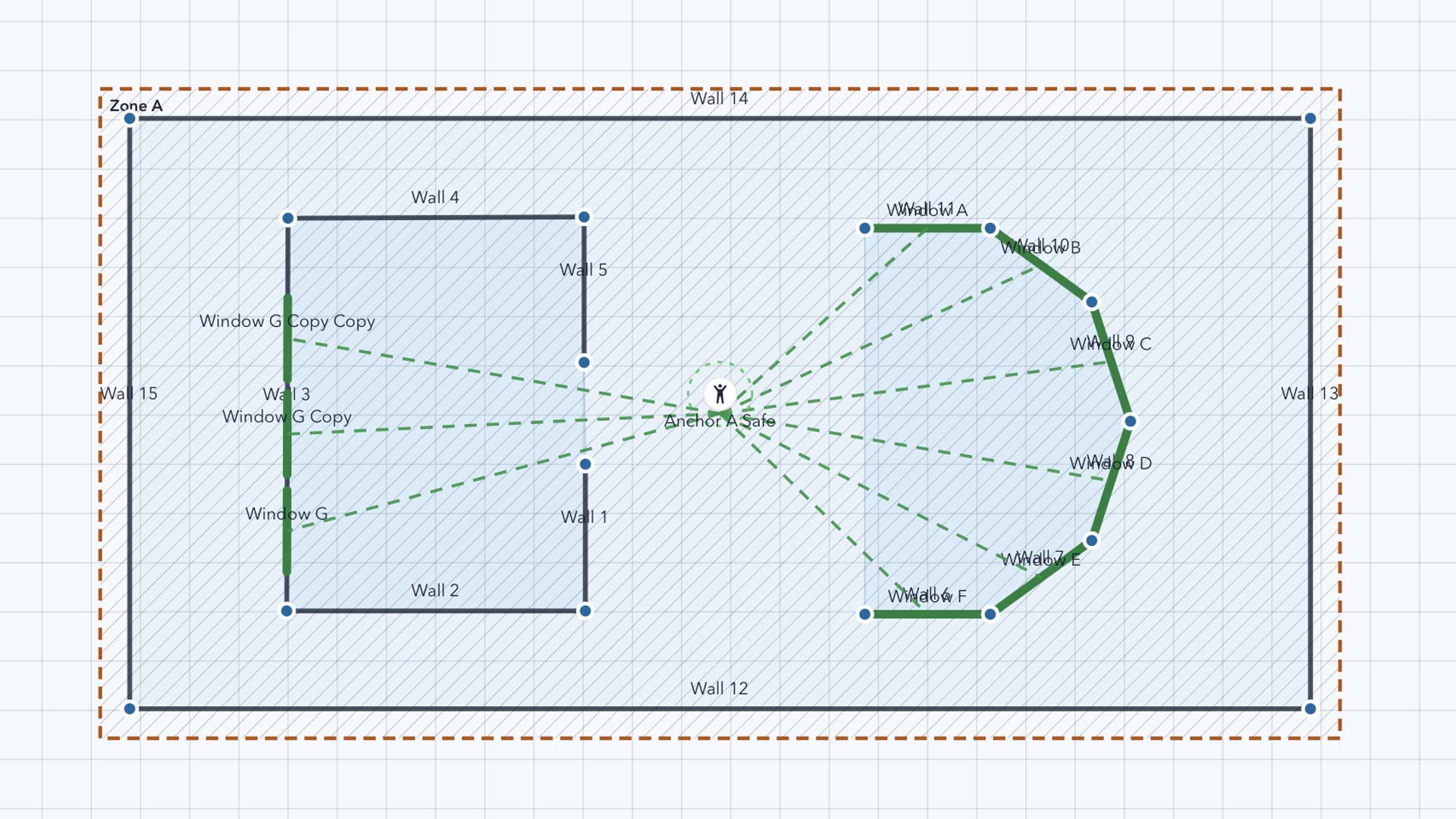
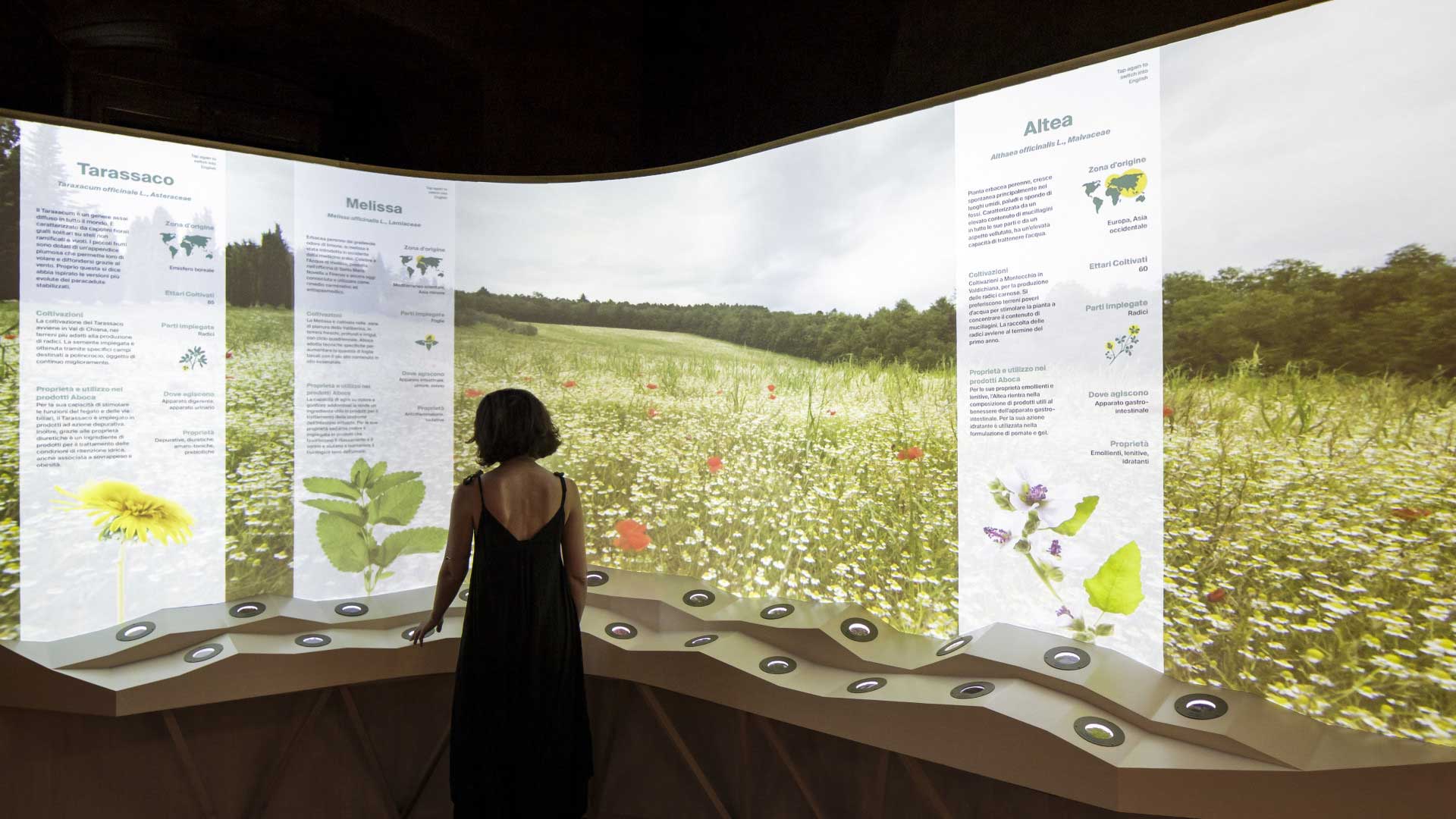
Organize displays into room zones for complex, multi-space environments. From museums to theme parks, manage it all within a single nDisplay configuration.
Generate a native nDisplay configuration in one click, ready for Unreal Engine. Use it in your existing nDisplay workflow or continue through the MRSV*SPACE ecosystem.
Download Space Builder Beta
Space Builder is now available to download and use. Build your space, configure your displays, and export native nDisplay configurations for Unreal Engine. As a beta release, your feedback will help us improve what comes next.
Built for your Unreal Engine workflow
Platform
Windows / MacOS
Output
Native .ndisplay configuration
Unreal Engine Version Supported
5.0+
MRSV*SPACE Required?
No
Hardware Required to Design?
No
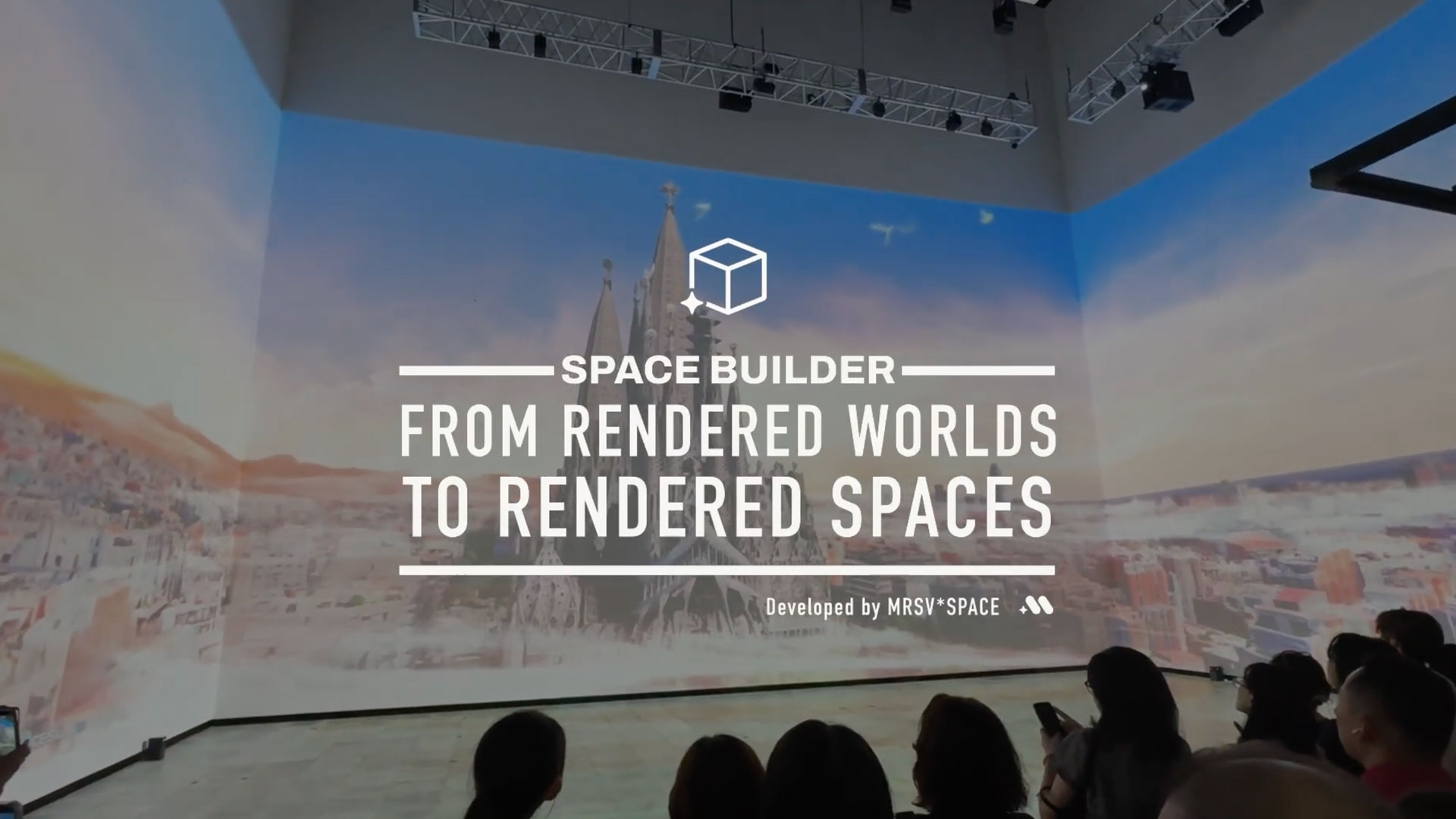
Learn more about how Space Builder works.
Have a question to ask?
Contact Us
Space Builder is a visual 3D mapping tool that turns physical room layouts into native Unreal Engine nDisplay configurations. Designed for creative and technical professionals, it simplifies the process of planning, configuring, and preparing multi-display immersive environments.
No. Space Builder uses familiar spatial design tools, allowing you to draw rooms, configure displays, and preview your setup without working directly in Unreal Engine. Unreal Engine knowledge is helpful when deploying and operating your exported configuration.
No. Space Builder works independently of the MRSV*SPACE ecosystem. Export native nDisplay configurations for your existing Unreal Engine workflow, or continue with MRSV*SPACE for additional deployment and operational tools.


MRSV*SPACE is developed by Hello xLAB KK
© 2026, MRSV SPACE Inc. All rights reserved. MRSV*SPACE the MRSV*SPACE logo, MRSV*LEARNING, MRSV*TRAVEL, MRSV*FUN, MRSV*HEALING, MRSV*RETAIL, MRSV*HERE, Space Builder, and the Space Builder logo are trademarks or registered trademarks of MRSV SPACE Inc. in Canada and elsewhere. Other brands or product names are the trademarks of their respective owners.